Skip to content

One exact version, accepted with a name and a time.

The customer opens a page or a PDF, reviews the version you sent and accepts it with an email code. Any change becomes a new version.

Product preview. Helmar.AI is in development. The features shown are planned; accounts and integrations are not open yet.
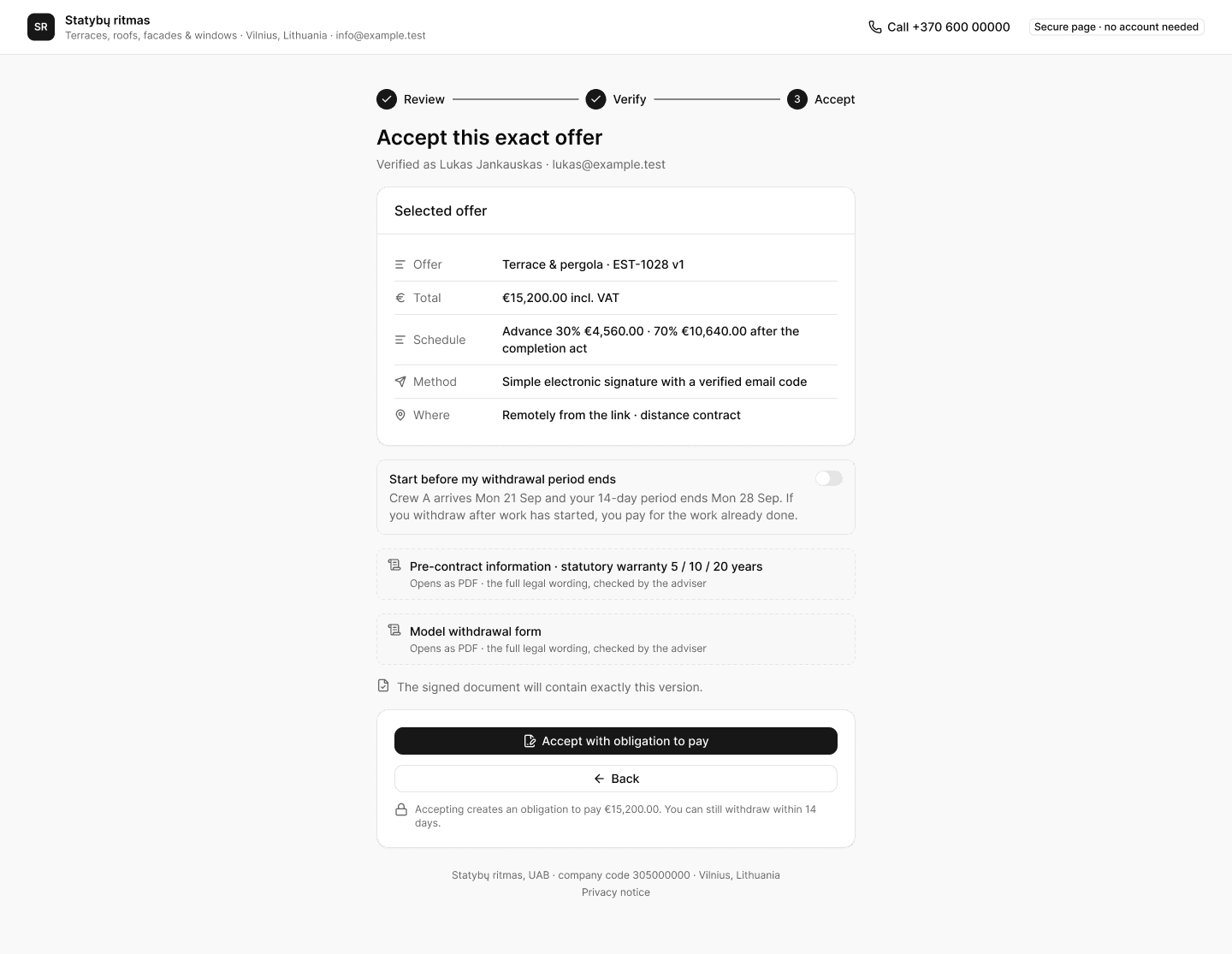
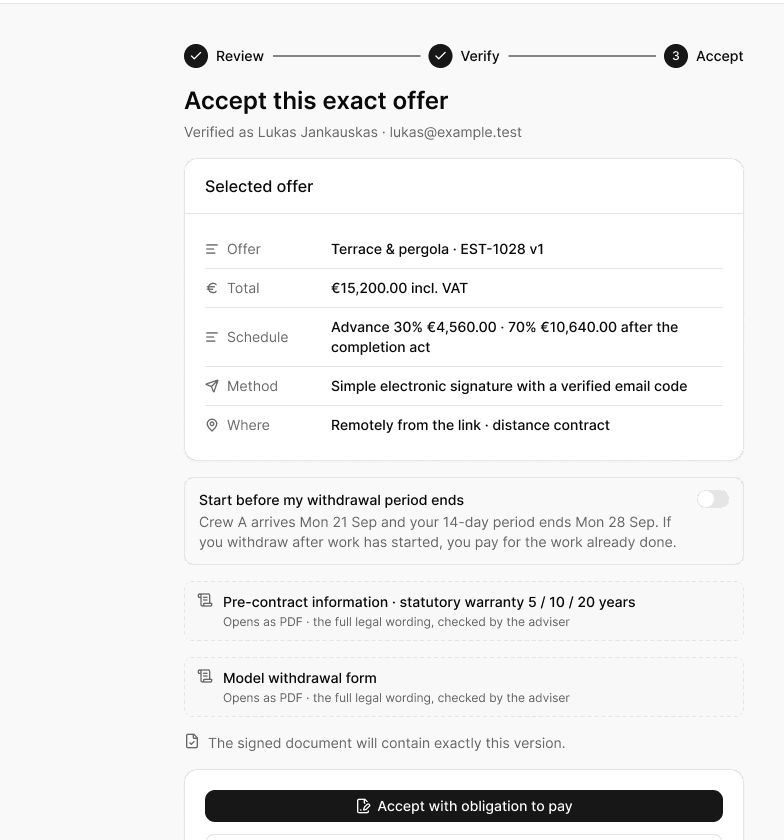
  • Email codeno customer account
  • One versionlocked at acceptance
  • Smart-IDfor business customers
workspace.helmar.app
Versions & acceptance in Helmar.AI

Without Helmar.AI

  • “Which version did you accept?”
  • Changes agreed on the phone and never written down
  • Extras billed after the job, then argued about

With Helmar.AI

  • Every sent version kept, the accepted one locked
  • A new version for every change; version 1 stays on record
  • Change orders the customer accepts before the work

How it works

Four steps, in this order.

01

Send

The customer opens a page or a PDF from your email, SMS or WhatsApp.

02

Choose options

They tick the options they want; the total updates as they choose.

03

Verify

A 6-digit email code, or Smart-ID and Mobile-ID if you offer them.

04

Accept

Name, time and the exact version are recorded; the signed PDF goes to both sides.

Features

Made for the way small teams actually work.

Locked on acceptance

The accepted version never changes. The signed PDF and its hash stay with the job.

Email code, no account

Customers verify with a 6-digit code. Smart-ID or Mobile-ID can be offered per proposal.

Change orders, not edits

Extra work after acceptance is a separate agreement the customer accepts the same way.

Options on the proposal

Customers choose add-ons and upgrades before they accept; the choice is part of the version.

The legal papers travel along

Pre-contract information, the withdrawal form and your terms go with every proposal.

The whole story in order

Sent, opened, questions, versions and the acceptance, with times.

In detail

The specifics.

Signing
Email code (simple e-signature) · Smart-ID and Mobile-ID
Evidence
Name, time, version and the document hash
The customer needs
An email address · no account, no app
After acceptance
Change orders, accepted the same way
Consumers
14-day withdrawal notice handled
Plans
Every plan · Smart-ID and Mobile-ID on Business

Questions

Straight answers.

Do my customers need an account?
No. They open a page or PDF from your email, review the exact version and accept it.
Can customers choose options?
Yes. Roof type, decking grade, lighting — priced options and add-ons on the proposal page. The price updates as they tick, and the accepted version records the choice.
What if the customer wants a change after accepting?
You send a change order. They accept it the same way, and it becomes part of the job and the final invoice.
Is an email code enough to accept?
It is a simple electronic signature with a full evidence record. For larger or business work you can offer Smart-ID or Mobile-ID per proposal.

See the preview

See how your next estimate could work.

Explore the product preview in a 20-minute demo. Accounts are not open yet. No card, no obligation.