Skip to content

Your prices, confirmed row by row.

Services, materials and assemblies with units and your prices. Nothing is active until you confirm it.

Product preview. Helmar.AI is in development. The features shown are planned; accounts and integrations are not open yet.
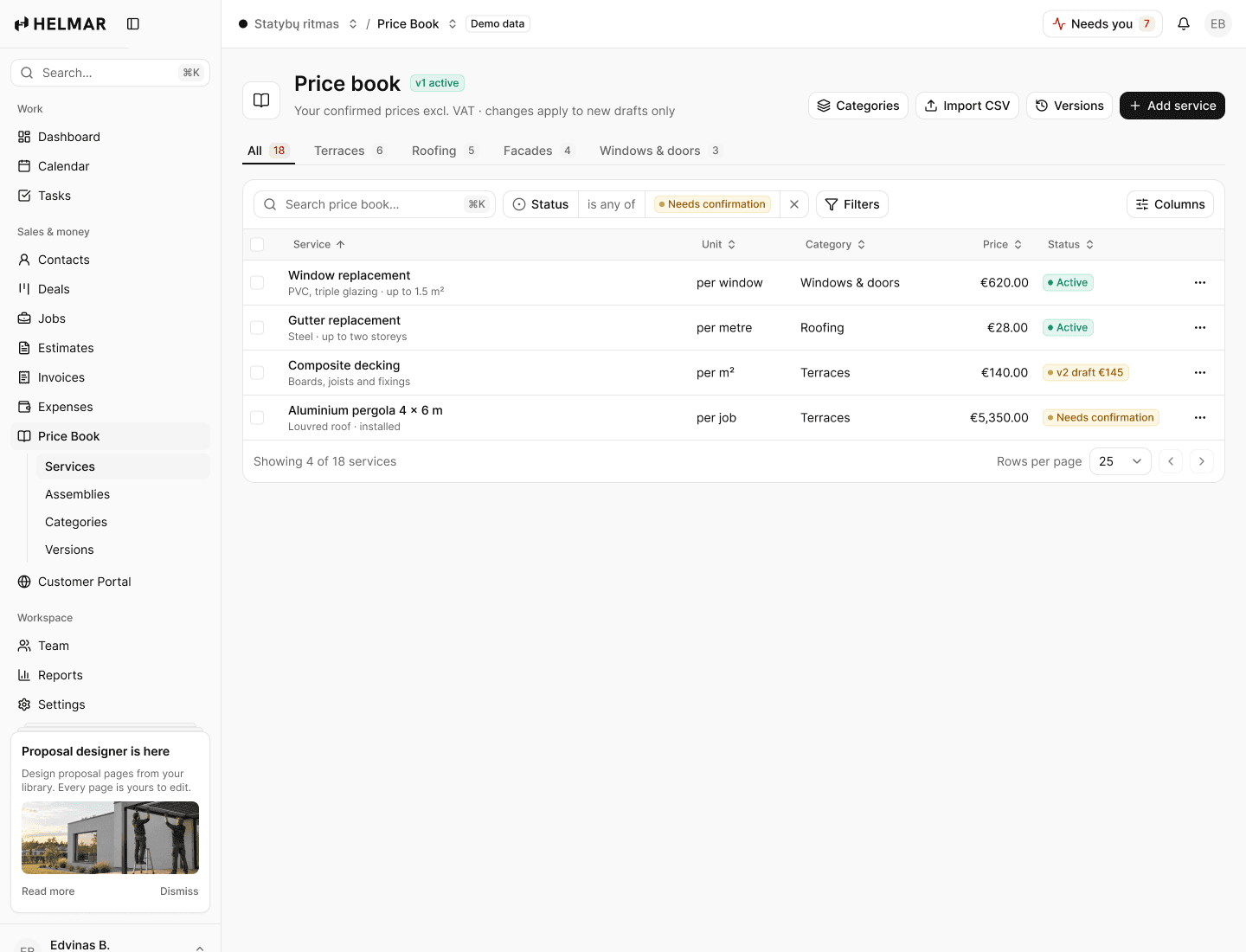
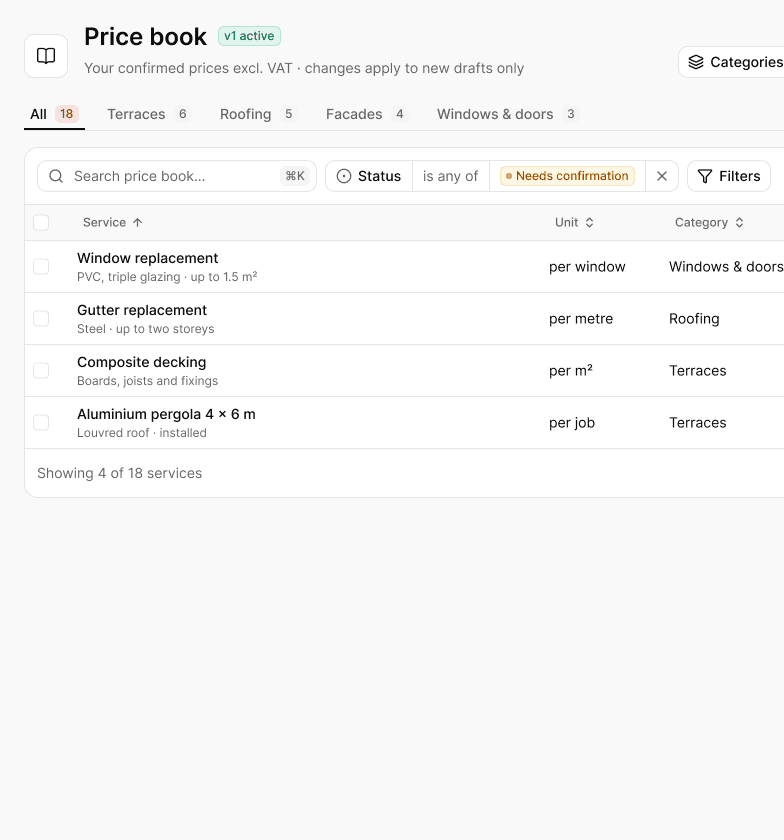
  • Confirmedrow by row, by you
  • Versionedsent estimates keep their prices
  • Assembliesone measurement, every line
workspace.helmar.app
Price book in Helmar.AI

Without Helmar.AI

  • A price list that lives in one person’s head
  • Last year’s spreadsheet that nobody checked
  • Material price rises noticed after the job

With Helmar.AI

  • Every service with a unit and your price
  • Changes approved as a new version
  • Supplier price changes flagged before you quote

How it works

Four steps, in this order.

01

Import

Upload your Excel or CSV, or send it to us and we import it for you.

02

Confirm

Each row becomes active only when you confirm its price.

03

Build assemblies

A terrace per m² expands into boards, joists, fixings and labour.

04

Keep it current

Supplier lists flag cost changes; you approve a new version.

Features

Made for the way small teams actually work.

Import from Excel

Upload a CSV export, map the columns and confirm each row before it becomes active.

Assemblies

One measurement expands into every line: a composite terrace per m² with boards, joists and fixings.

Versions and approval

Price changes are versioned. Sent estimates keep the prices they were sent with.

Supplier price lists

Wholesaler lists imported every week; changed costs are flagged with the effect on your margin.

Margin on every line

Cost, price and margin per service, with a warning below your floor.

Order what you priced

Accepted lines become purchase orders, one per supplier.

In detail

The specifics.

Import
Excel or CSV · or we import it for you
Units
m², m, m³, pieces, hours, job
Assemblies
Driven by one measurement
Versions
Every change dated and approved
Supplier lists
Excel, CSV or email · changes flagged
Plans
Every plan · supplier price lists and purchase orders on Team and Business

Questions

Straight answers.

Do I have to use your prices?
No. Starter services come with units and blank prices. Nothing is active until you set a price or confirm an imported row.
Can I bring my prices from Excel?
Yes. Import a CSV export of your spreadsheet and confirm each row before it becomes active.
What happens when a supplier raises prices?
The change is flagged with its effect on your margin. You raise your price or accept the lower margin; sent estimates keep theirs.
Can I order materials from an estimate?
Yes. Accepted lines become purchase orders per supplier, and ordered amounts count in the job margin.

See the preview

See how your next estimate could work.

Explore the product preview in a 20-minute demo. Accounts are not open yet. No card, no obligation.